

Download CoolPreviews – Firefox preview extension for faster browsing
Overview
CoolPreviews is a modern Firefox add‑on that reshapes the way you navigate the web. Instead of opening a new tab or window to discover where a hyperlink leads, CoolPreviews lets you preview the destination instantly in a compact overlay. The extension is built for users who value speed, efficiency, and a clean browsing experience.
After a quick installation, you spend just a few minutes fine‑tuning the preview behavior to match your habits—whether you prefer the preview to appear on hover, on click, or to stay locked open for deeper reading. This flexibility makes CoolPreviews especially handy for news sites, research portals, and any page dense with links. The preview window loads the target page in real time, so you get a live snapshot without disrupting your current tab.
For users with a fast internet connection, the experience feels almost instantaneous, turning what used to be a multi‑step process into a single, fluid action. In our testing, CoolPreviews proved stable, consuming minimal memory and never slowing down the browser. While some might initially find any pop‑up intrusive, the extensive configuration options ensure the tool is as subtle—or as prominent—as you desire.
By eliminating unnecessary tab clutter, CoolPreviews brings a “tab‑less” feel back to modern browsers, helping you stay focused and productive.
Key Features and Benefits
- Instant link preview on hover, click, or manual activation.
- Configurable pop‑up size, position, and delay to suit personal workflow.
- Lockable preview window for extended reading without leaving the page.
- Seamless integration with Firefox’s UI—no extra toolbar clutter.
- Lightweight design that does not impact browser performance.
- Supports both HTTP and HTTPS links, preserving secure browsing.
- Automatic refresh of preview content when the source page updates.
- Customizable keyboard shortcuts for power users.
Pros
- Speeds up information gathering by eliminating extra tabs.
- Highly customizable—adjust pop‑up behavior to match any browsing style.
- Improves focus, especially on news aggregators and research portals.
- Runs smoothly on all recent Firefox versions without noticeable lag.
- Free to download and use, with optional donations to support development.
Cons
- Initial configuration may feel overwhelming for beginners.
- Preview relies on a stable internet connection; slow networks can cause delays.
- Only compatible with Firefox; users of Chrome or Edge need a different solution.
Installation, Configuration & Compatibility
Getting CoolPreviews up and running is a straightforward process that takes just a few minutes. Follow these steps for a smooth installation:
- Open Firefox and navigate to the official Mozilla Add‑ons page.
- Search for “CoolPreviews” and click the Add to Firefox button.
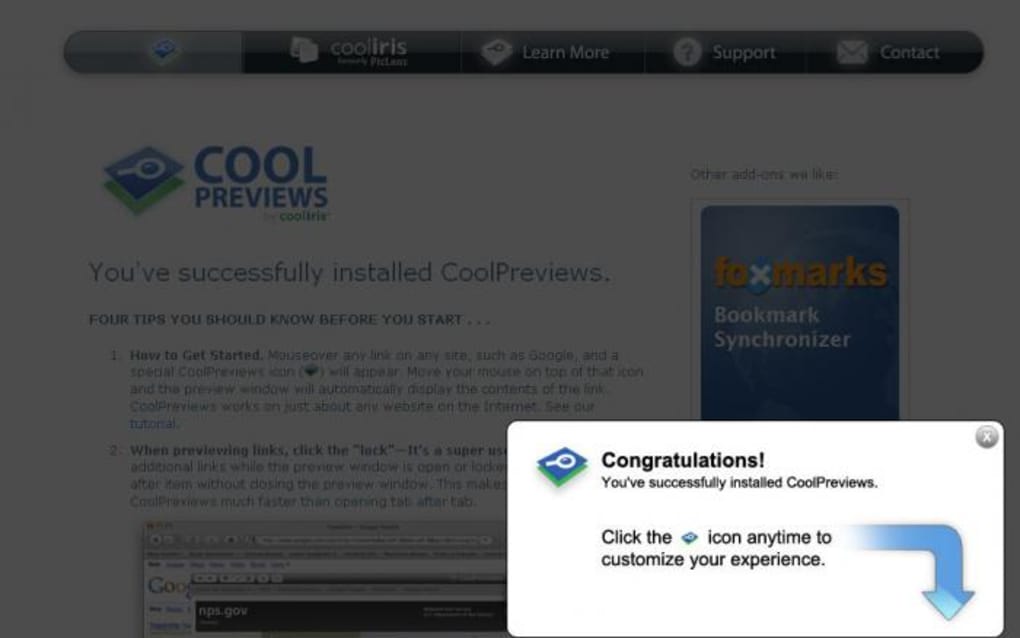
- Confirm the permission request; the extension will be downloaded and installed automatically.
- Once installed, you’ll see the CoolPreviews icon appear next to the address bar.
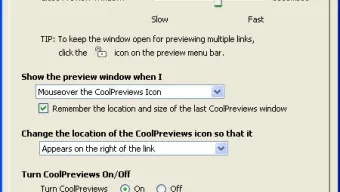
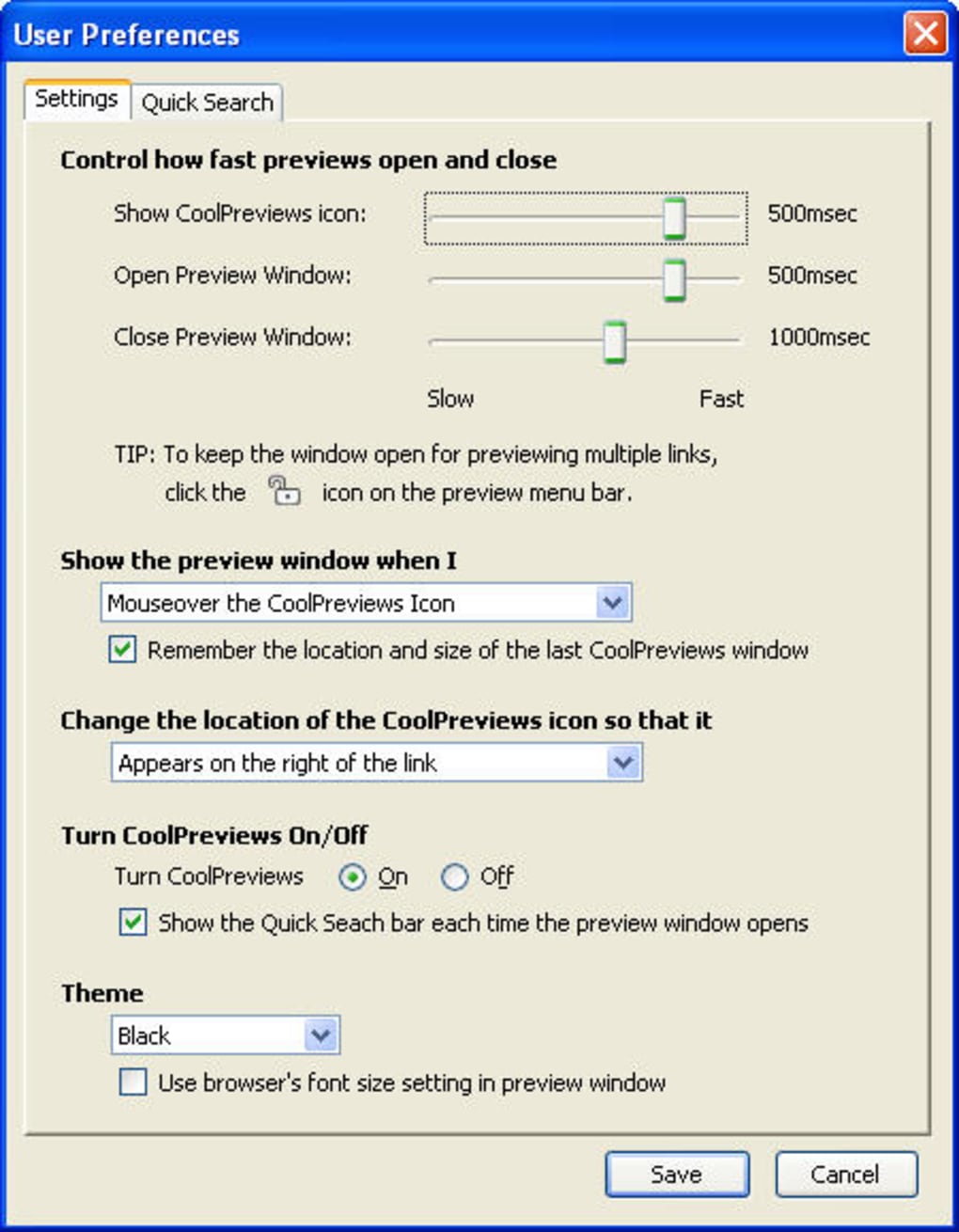
- Click the icon to open the configuration panel. Here you can set:
- Trigger method – hover, click, or manual activation.
- Delay time before the preview appears (0.1‑2 seconds).
- Size and position of the preview window.
- Whether the preview stays locked open after the first activation.
- Save your preferences and start browsing. The preview will now respond according to your settings.
Compatibility: CoolPreviews works with Firefox 78 and later on Windows 10/11, macOS Ventura and newer, as well as Linux distributions that support the latest Firefox builds. The extension does not interfere with other common add‑ons and respects Firefox’s privacy settings, ensuring a secure browsing environment.
For power users, CoolPreviews also offers an Advanced Settings tab where you can import/export configuration profiles, adjust CSS styling of the preview, and define a whitelist of domains that always display previews. These options make the extension adaptable for both casual readers and professionals who need rapid access to multiple sources without losing context.
Frequently Asked Questions
Is CoolPreviews free to use?
Yes, CoolPreviews is completely free. You can download, install, and use all features without any charge. Optional donations are welcomed to support ongoing development.
Can I use CoolPreviews on other browsers?
Currently, CoolPreviews is built exclusively for Firefox. The development team is considering a Chrome version, but no release date has been announced.
How does the preview affect my browsing speed?
The extension is lightweight and loads previews only when triggered, so it has a negligible impact on overall browsing speed. On a fast connection, the preview appears almost instantly.
Is my privacy protected while using CoolPreviews?
Yes. CoolPreviews does not collect personal data. It simply fetches the target page to display a preview, respecting the same privacy policies as Firefox itself.
Can I customize the appearance of the preview window?
Absolutely. Within the Advanced Settings, you can modify CSS rules, change background colors, adjust font sizes, and even set a custom border to match your theme.
Conclusion & Call to Action
CoolPreviews delivers a sleek, efficient way to explore web content without the clutter of endless tabs. Its combination of instant previews, deep customization, and low resource usage makes it a standout tool for anyone looking to streamline their Firefox browsing experience. Whether you’re a news junkie who wants to skim headlines quickly, a researcher juggling dozens of sources, or simply a power user who hates tab overload, CoolPreviews adds tangible value to everyday navigation.
Ready to upgrade your browsing workflow? Download CoolPreviews now and start previewing links in seconds. Experience a faster, cleaner, and more focused web—without compromising security or performance. Your next click could be a preview away.
Overall Rating: 4.5/5







